From spreadsheet to CRM — a practical implementation guide
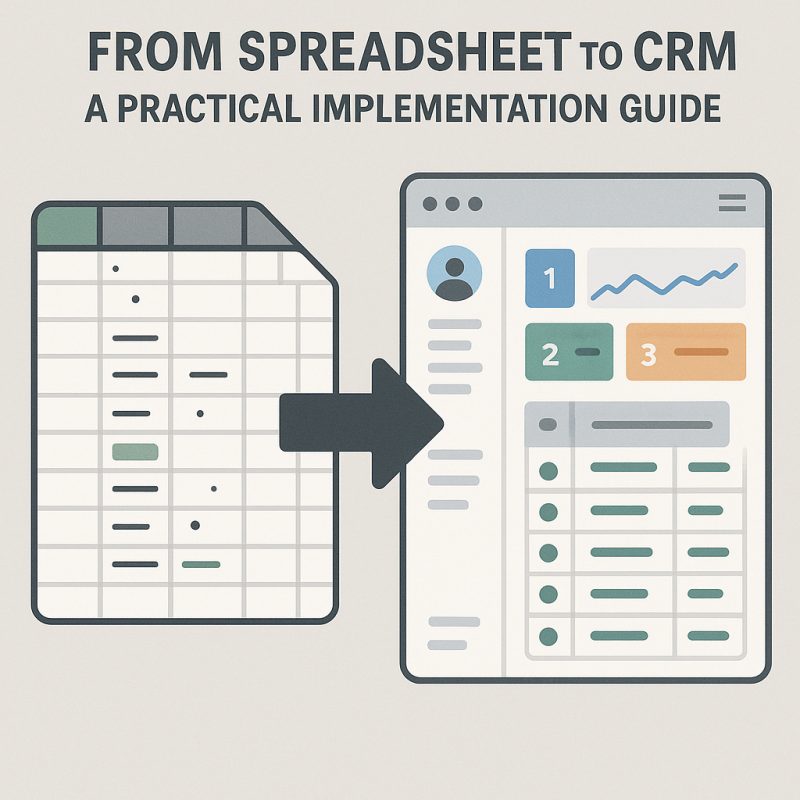
Moving off spreadsheets is one of the most common — and most frequently botched — transitions growing companies face. Here is how to do it without losing the plot.
Why spreadsheets stop working
Spreadsheets are perfect until they aren't. The usual signals:
- Multiple people need simultaneous access
- You're losing data to version conflicts
- Reporting takes hours instead of minutes
- Customer history is impossible to reconstruct
- Mobile access has become essential
- Compliance requires an audit trail
First: is a CRM actually the right destination?
Not every overloaded spreadsheet wants to be a CRM. Some want to be an app. Before you pick a tool, work out which problem you actually have.
You're hitting structural limits — the file is enormous and crashes, versions multiply, complex formulas break, collaboration hurts.
You're losing control — audit trails are impossible, validation is inadequate, security is a worry, mobile access is missing.
You're wasting time — manual re-entry is routine, reports take hours to compile, information is hard to find, errors are frequent.
If the pain is about customer relationships — pipeline, interactions, follow-up — a CRM is the right destination. If it's about a specific operational workflow with rules a CRM can't express, you want a purpose-built app instead, and the low-risk path there looks like this:
- Extract the single most painful workflow and build a focused app around it — keep the spreadsheet for everything else
- Build bridges between the new app and the remaining sheets, so migration can be gradual
- Expand as confidence grows, letting adoption set the pace
And if the spreadsheet is genuinely working and your requirements are stable, don't fix what isn't broken. Apps and CRMs both add complexity; the benefits have to justify it.
The migration, in five phases
Phase 1: Clean your data first
Don't migrate a mess. Before moving anything:
- Deduplicate: find and merge duplicate records
- Standardise: fix inconsistent dates, phone numbers and addresses
- Complete: fill in missing critical fields
- Validate: check for errors and contradictions
- Archive: move inactive records to a separate sheet
Export, clean in the spreadsheet, then import. Trying to clean during migration is how projects slip by a month.
Phase 2: Map your fields
Write an actual mapping document: source field, target field, transformation, and whether it's required. The common ones:
- Name → First name + Last name
- Email → Email, with validation
- Phone → Phone, standardised format
- Notes → Description, or a dedicated notes object
- Status → Picklist value
Phase 3: Pilot it
Choose 50–100 representative records. Test the import, verify quality, train a couple of users, and iterate before you touch the rest.
Phase 4: Train before you migrate
Training belongs before migration, not after. Show people the new system holding their own data, let them explore, and address concerns before they harden into resistance.
Phase 5: Migrate in waves
By team (sales, then support, then marketing), by data type (active records before historical), or by priority (high-value accounts first). Waves let you fix issues before they affect everyone and build momentum on early wins.
Four mistakes that derail migrations
Lifting and shifting
Don't recreate your spreadsheet inside the CRM. Use relationships instead of duplicated columns, workflows instead of manual steps, reports instead of pivot tables.
Migrating everything
Not all of it belongs in a CRM. Keep customer data, interactions and opportunities. Move financial data to the accounting system, project detail to project management, and deep analytics to a BI tool.
Ignoring change management
The technical migration is the easy half. Involve users in planning, answer "why change?" honestly, show concrete benefits, and support people after go-live.
No rollback plan
Keep the spreadsheets read-only for reference, export CRM data regularly through the transition, and don't delete source data the moment the import succeeds.
Setting up the CRM
Start with the essentials — accounts, contacts, opportunities; name, email, phone, status; lead assignment and opportunity stages; a pipeline report and activity tracking. Add complexity only once people are comfortable.
Then match your actual process. Opportunity stages should mirror how you really sell, fields should capture what you genuinely need to know, and reports should answer questions people are already asking. Don't force your process into a generic template.
Finally, connect it to the tools already in use: email and calendar sync, website form capture, support tickets linked to accounts, accounting sync, campaign performance.
Adoption
Make it easy — single sign-on, mobile access, shortcuts for common tasks, templates with sensible defaults.
Show value quickly. "Here's your pipeline in one view." "Every customer interaction in one place." "Alerts when deals go quiet." "Reports in seconds, not hours."
Then support it properly: weekly check-ins for the first month, monthly training, quick reference guides, and a responsive place to ask questions.
Measuring success
Track data quality (completeness, accuracy, duplicates), usage (logins, records created, reports run), efficiency (time saved), and business outcomes (pipeline visibility, conversion rates).
A realistic timeline
- Weeks 1–2: data cleanup and mapping
- Weeks 3–4: CRM setup and configuration
- Weeks 5–6: pilot migration and training
- Weeks 7–8: full migration in waves
- Weeks 9–12: adoption support and optimisation
Don't rush it. A slow, successful migration beats a fast, failed one.
When to bring in help
Consider it if you have complex data relationships, need custom integrations, carry compliance requirements, are consolidating multiple systems, or simply lack the internal capacity right now.
Moving off spreadsheets is a milestone in company growth. Done well, it unlocks visibility, efficiency and scale. Done badly, it produces an expensive system nobody opens.